The Second Lock That Opens for Strangers: How Attackers Slip Past Two-Factor Authentication
For a decade, the security industry has repeated a single mantra to American consumers: turn on two-factor authentication. Banks ask for it, employers mandate it, and every major platform from Gmail to your local credit union now nudges users toward a second step at login. The advice is sound. Accounts protected by 2FA are dramatically harder to compromise than those guarded by a password alone.
But somewhere along the way, the nuance got lost. 'Enable 2FA' became a finish line rather than a starting point, and attackers have built entire playbooks around the gaps left behind. The uncomfortable truth is that not all second factors are created equal — and some of the most popular methods in the United States are also the easiest to defeat.
The Recovery Code Problem Nobody Talks About
Every 2FA setup includes an escape hatch. Services generate backup codes so users aren't locked out when they lose their phone, and those codes are meant to be stored somewhere safe — a printed sheet in a filing cabinet, a fireproof box, a hardware safe.
In practice, millions of people paste them into a note on their phone, or worse, forward them to their email inbox. That last habit is the one security professionals dread most. Email accounts remain the single most targeted asset in consumer attacks, frequently compromised through credential stuffing using passwords recycled from old breaches. An attacker who lands in an inbox containing recovery codes for a dozen other services has effectively been handed a skeleton key.
The same logic applies to security questions. 'What is your mother's maiden name?' was never a strong gate, and in an era of public family trees, genealogy sites, and overshared Facebook histories, the answers are often one search away. When a recovery path relies on information that is publicly discoverable, the second lock opens for strangers as easily as for the owner.
Push Fatigue: The Attack That Works by Annoyance
Perhaps no 2FA weakness has drawn more attention from federal investigators than push-notification bombing. The scheme is brutally simple. A criminal already holds a victim's password — bought from a breach database or harvested by an info-stealer — and triggers a login. The victim's phone buzzes: 'Approve this sign-in?' Most people tap 'no' and think nothing of it.
Then the attacker tries again. And again. Dozens of prompts, arriving at midnight, during dinner, during a work meeting. Eventually, out of exhaustion or simple reflex, the victim taps 'approve' just to make the buzzing stop. The FBI has repeatedly warned about this pattern, and several high-profile intrusions at American companies began with exactly this kind of fatigue attack.
The defense is straightforward but underused: number matching, a feature where the login screen displays a code and the user must type it into the push prompt, has proven remarkably effective at shutting down these campaigns. Major platforms now offer it. Far fewer users have turned it on.
Ranking the Methods: From Fragile to Formidable
Not all second factors deserve equal trust. Here is how the major options stack up for everyday Americans.
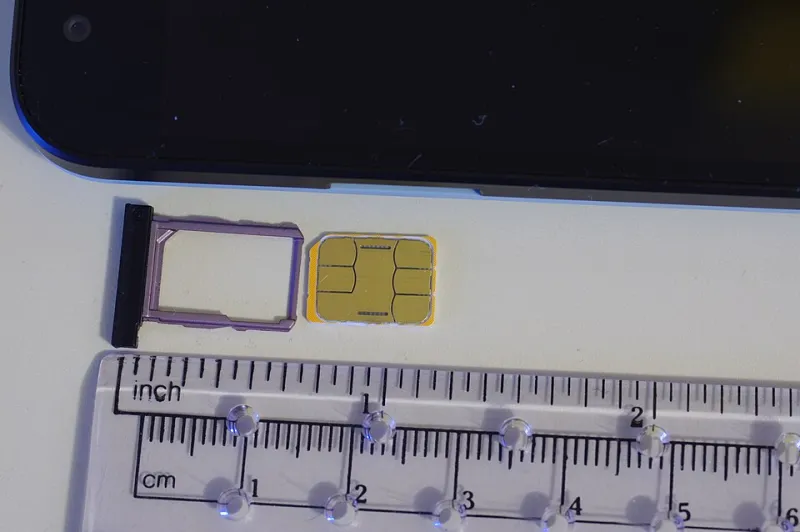
SMS codes — the weakest link. Text-message codes are better than nothing, but they travel over a carrier network that can be attacked directly. SIM swapping, in which a fraudster convinces a wireless carrier to transfer a victim's phone number to a new SIM card, has drained bank accounts across the country and remains stubbornly common. If SMS is your only option, use it — but understand it is the floor, not the ceiling.
Authenticator apps — the sensible middle. Apps like those built into major platforms generate time-based codes on the device itself, immune to SIM swaps and far cheaper for attackers to defeat. They require slightly more setup, and losing the phone means losing the codes unless backup was configured properly — which loops back to the recovery-code problem above.
Hardware security keys — the gold standard. Small physical devices that plug into or tap against a computer offer phishing-resistant authentication. Because the key cryptographically verifies the legitimate website, a fake login page gains the attacker nothing. They cost about the price of a takeout dinner and have, to date, no known cases of wholesale phishing compromise. For anyone managing meaningful money or sensitive accounts, they are worth the modest investment.
The Real Lesson: Audit the Whole Chain
The takeaway is not that 2FA is broken. It is that security is a chain, and attackers go looking for the weakest link — which is rarely the headline feature. Check where your backup codes live. Delete security answers that a stranger could Google. Turn on number matching if your platform offers it. And if the account matters, retire the text message in favor of an app or a key.
The second lock only protects you if the thief can't find the key taped to the door.